MatrixGold 4.0


Offline mode
Work for up to 12 hours without an internet connection after logging in. Keep designing – while traveling, on location, or in environments with unstable connectivity.

Hollowing out a ring
Reduce design weight in no time. Hollow out the geometry while keeping wall thickness constant – resulting in lighter, structurally sound components without any manual processing.


Technical Report
Structured technical data in a clearer, more readable format – providing designers, customers and production teams with exactly what they need for approval and further progress.

Wall thickness analysis
Click on any point to instantly measure the wall thickness and receive real-time feedback on production readiness.
Duplicate
Duplicate parametric commands while retaining existing values – this saves time and eliminates repeated setup work.


Edit multiple prongs
Edit prongs on a large scale – select and adjust multiple prongs at once to speed up completion.
Trapezoid Baguette
Place conical baguettes between two curves, determining the size of each stone as you wish. Always clean, controlled arrangements.


Creating Gemstones
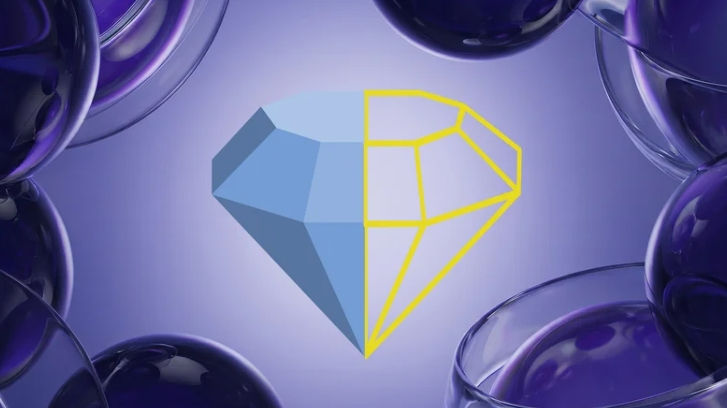
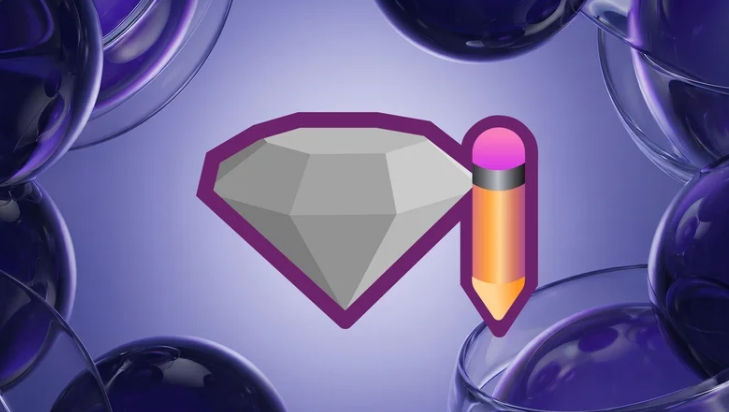
Create custom stones with a complete parametric history . Refine the cut at every stage – without the need to create it from scratch.
New Stone Shapes
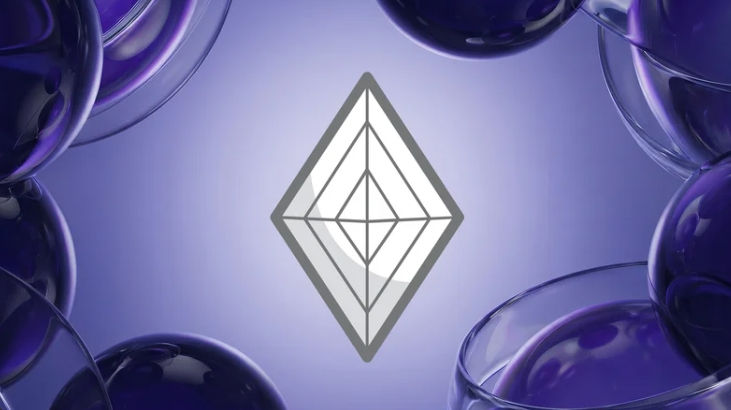
Three new cuts have been added to the gemstone library: diamond, hexagon, and trapezoid.


Award signet ring
Precisely add text, shapes, and individual details to the surfaces of signet rings. A structured workflow for complex signet rings.
Curve on object
Place curves directly onto any surface, ensuring they follow its shape exactly – for precise and controlled design placement.


Gemstone label
This tool adds the size and other details of each stone in the scene and helps to determine the exact position of the set stones.
MatrixGold 4.0 Release Notes

NEW Features
Creating stones
(Overhaul of the custom gem generator)
A completely redesigned workflow for gem creation. Create custom gem shapes based on an input curve – with controls for pavilion size, girdle thickness, and overall height display. Fully compatible with downstream tools such as "Add Prong".
Curve on object
(Overhaul of the custom gem generator)
A completely redesigned workflow for gem creation. Create custom gem shapes based on an input curve – with controls for pavilion size, girdle thickness, and overall height display. Fully compatible with downstream tools such as "Add Prong".
Hollowing out
Dedicated Offset Mode
Support for trailer designs
Network quality checks
Improved error handling
Cutting tool mirror
Mirror and cut geometries in a single operation – with full control over axes and cutter visualization.
Radial cage
Edit radial cage structures with greater control over symmetry and radial design patterns.
bracelets
Create bracelets with
Asymmetrical sizes
Options for the rail opening
Trapezoidal baguettes on a surface
Place tapered baguettes on surfaces – with full control over size, spacing, orientation, and mirroring.
Trapezoidal baguettes between 2 curves
Manual placement mode
Dedicated positioning controllers
3D gemstone label
Display labels directly in the view:
Grouping by shape or material
Color-coded materials
Options for automatic updates and resets
CAD wall thickness analysis
Rate the model strength using:
Visual min/max thresholds
Interactive mouse-over feedback
Duplicate
Quickly duplicate any dynamic command via:
Keyboard shortcut F6
Right-click menu
New Stone Shapes
Quickly duplicate any dynamic command via:
Trapez
Symmetrical hexagon
Kite square / rhombus
Offline license
Rent a license and work offline without internet access for a defined period.
iJewel3D Playground
Access the iJewel Playground to make advanced customizations within the iJewel Viewer.

IMPROVEMENTS
with existing functions
Technical Report
Overview page with render grids
Viewing and editing modes
Sortable, grouped gemstone report panel
Machinable metal weights (grams / DWT)
Customer information, ring size, notes
Dedicated page for the gemstone map
Improved PDF export and layout
Profile placement
New category for:
Individual processing
Multiple editing capabilities allow for precise or global adjustments.
Project Manager
New category for:
Individual processing
Multiple editing capabilities allow for precise or global adjustments.
Edit prongs
Edit multiple prongs sections with the Builder
Claws / Stems
Improved support for previously unsupported stone shapes.
Stotzen Guides
Separate control for
Top / Bottom Height
Width
Halo Improvements
Parameters for gem size for finer control in Halo Override.
Stone Guides
Added controls for:
inclination
angle
position
Boundary Box Measurement
New C-plane option for more precise measurements in rotated orientations.
Dynamic commands
Enhanced SubD support across multiple tools, including:
Twist
Twist
Rejuvenate
Scissors
bending
Polar arrangement
Smart Flow
Pull on rail
Micro Prong cutting tools
Added controls for:
Switch option for centering
Improved bending and centering regulators
Additional profile control options
Profile Editor
Improvements to usability, including Gumball support for easier manipulation.
Library of cutting tools
Update Library:
Missing forms
Newly added gemstone types
3D texture
Optimized texture images for improved clarity and performance.
BUG FIXES
Project Manager
Incorrect updates to the "last edited" date have been fixed.

Content Manager
Incorrect updates to the "last edited" date have been fixed.
Properties & Materials
Material inheritance problems resolved
Material inconsistencies in technical reports have been resolved.
Incorrect material display for gemstones corrected
Fixed infinite carat values for custom gems.
Slide settings
Fixes the faulty handling of the settings file at startup.
Types of representation
Fixed JSON errors that could block startup.
Shortcuts and menus
Inconsistencies in the F6 keyboard shortcut have been fixed.
Fixed missing Rhino mirror commands
Profile Editor
Improved performance when editing curves
Versions
Fixed problems with updating the stubby files.
Rail twisting was fixed in certain cases.
Stems / Claws
Improved results with various stone shapes
stones
Fixed UI inconsistencies in the gem list on the curve.
Fixed issues with updating the gem icon
Attributes for gemstones adjusted on the curve
Custom corner editing for emeralds fixed
Transformation issues with gem overrides fixed
Improved handling of large scanned mesh imports to prevent file corruption.






Videos